
Description
body {
font-family: ‘Market Sans’, Arial, sans-serif;
}
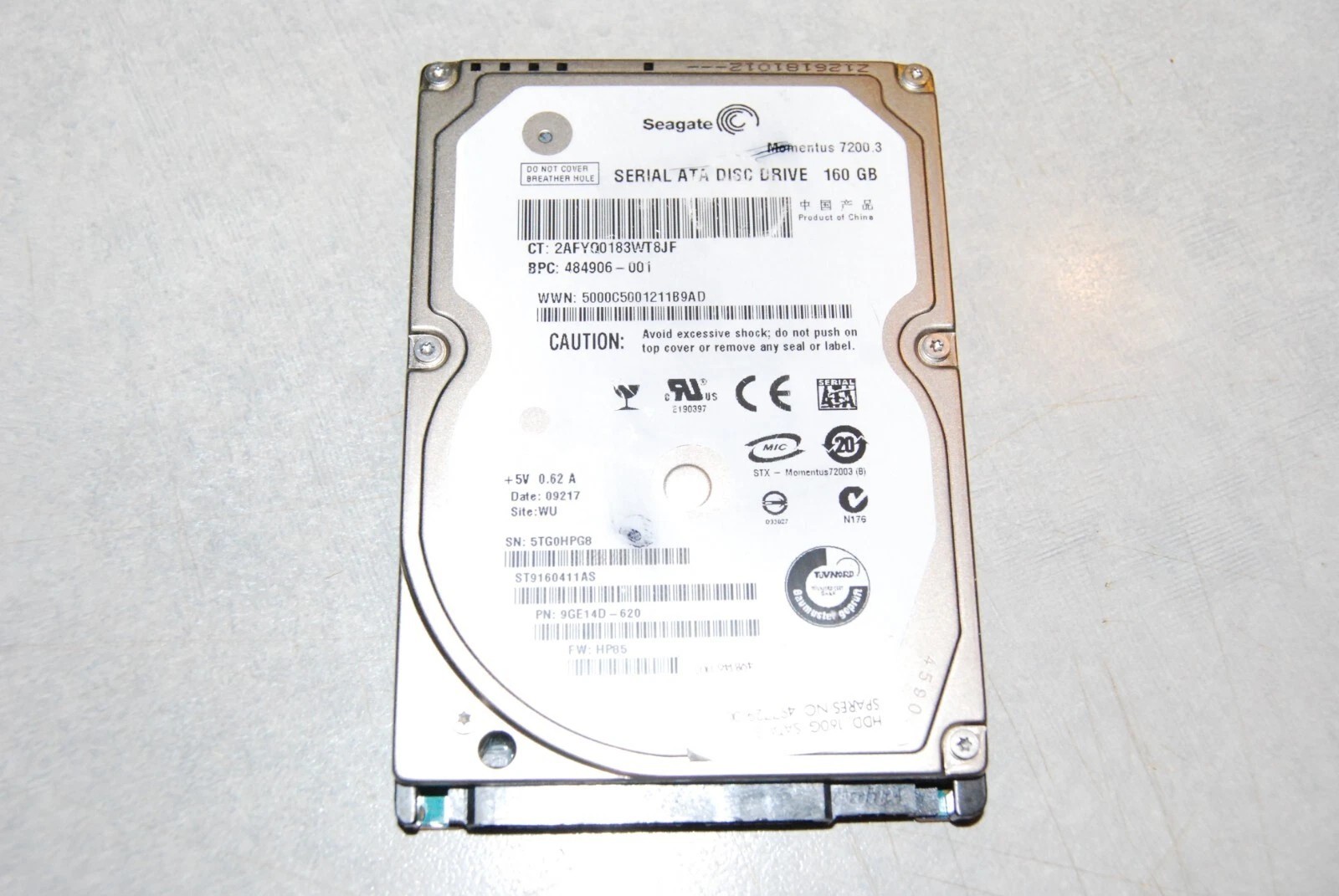
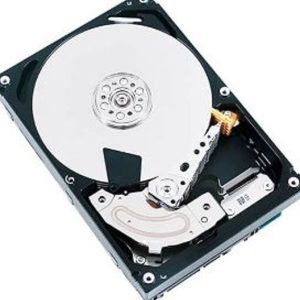
The product described is a 2.5-inch internal laptop drive with a SATA interface, suitable for use with laptops and PCs. It is a fully installed version of Linux on a boot drive, with storage capacity ranging from 160GB to 1TB. The drive is compatible with HDD drive types and comes in a sleek silver color. Manufactured in the United States, this product offers a reliable and high-quality storage solution for your computing needs.
These drives with pre-installed operating systems can save you from installing on the wrong drive (like your current boot drive) as long as you replace your current boot drive with this drive, it will make any/all changes to the new boot drive.
If you select an external drive enclosure or use a USB to sata cable, just plug it in and boot from it. No danger to your existing boot drive. Message me for questions on this.
Product Overview
Replace your laptop boot drive with this 2.5″ SATA Hard Drive featuring Windows 10 Pro or Windows 11 Pro preinstalled or fully installed linux with the default desktop ready for setup.
The Linux versions include the default desktop. Other desktops can be selected and installed when you are ready.
Available capacities include 160GB, 250GB, 320GB, 500GB, 640GB, 750GB, 1TB. Drives are tested, fully functional, and ready for use.
Key Features
- 2.5″ SATA Laptop Hard Drive
- Linux boots into setup preferences
- Plug & Play Setup Ready
- Compatible with most SATA laptops
- Available in multiple storage capacities
- Tested and fully functional
- Great for upgrades or replacements
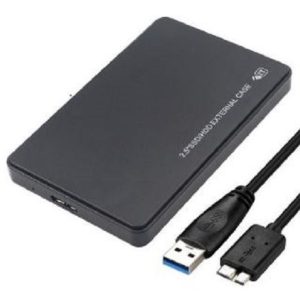
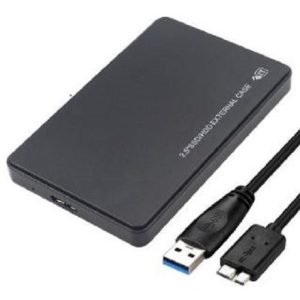
- Optional USB 3.0 Drive enclosure
Important Notes:
- Linux is fully installed, you just need to setup your preferences
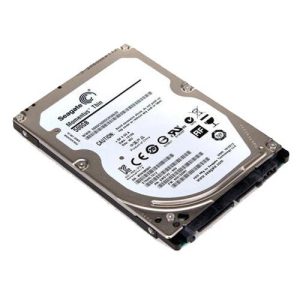
- Drive brands may vary (WD, Seagate, HGST, Toshiba, etc.)
- No returns
How it works:
No Enclosure:
Remove old C: drive (disk 0)
Insert new replacement drive
Change BIOS to UEFI mode
Restart and you will (should) boot into the windows installation program or the Linux setup screen
Answer the setup questions and you are done.
With Enclosure:
Plugin USB cable
Most newer computers will recognize the new drive and boot into it automatically
otherwise
Change BIOS to UEFI mode
Boot into your new drive (Message me if help needed), Run Setup

Reviews
There are no reviews yet.